


Once ordering feels familiar, spend a few minutes on account, team, and billing so the portal matches how you work.
Your account
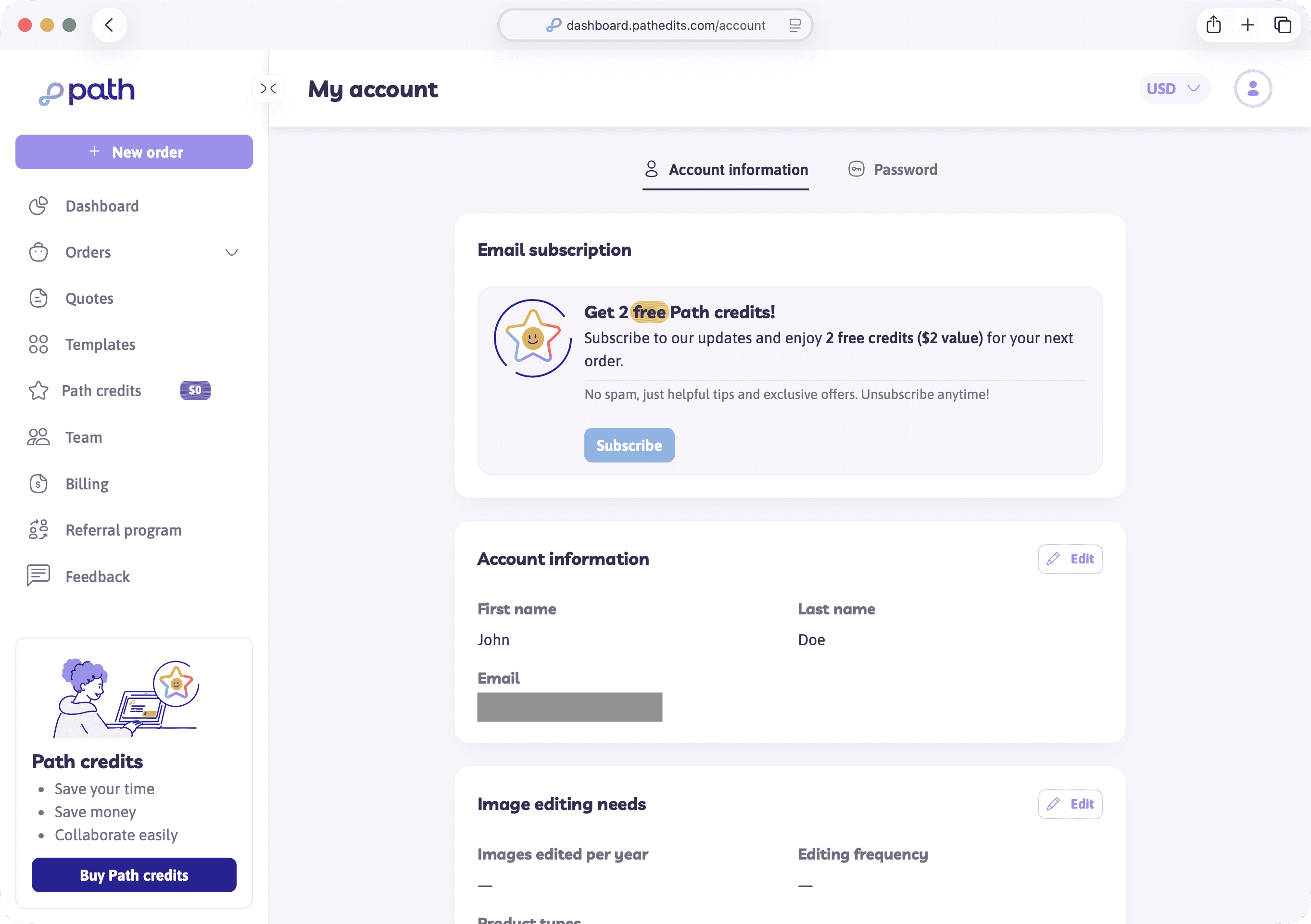
Open My account from the account menu (/account). Common settings:
- Profile and contact details
- Password
- Two-factor authentication (recommended)
- Editing preferences / needs
- Email preferences
- FTP settings (when enabled for your plan)
You don’t need every tab on day one — password and 2FA are the highest-value security steps.
Team and organisations
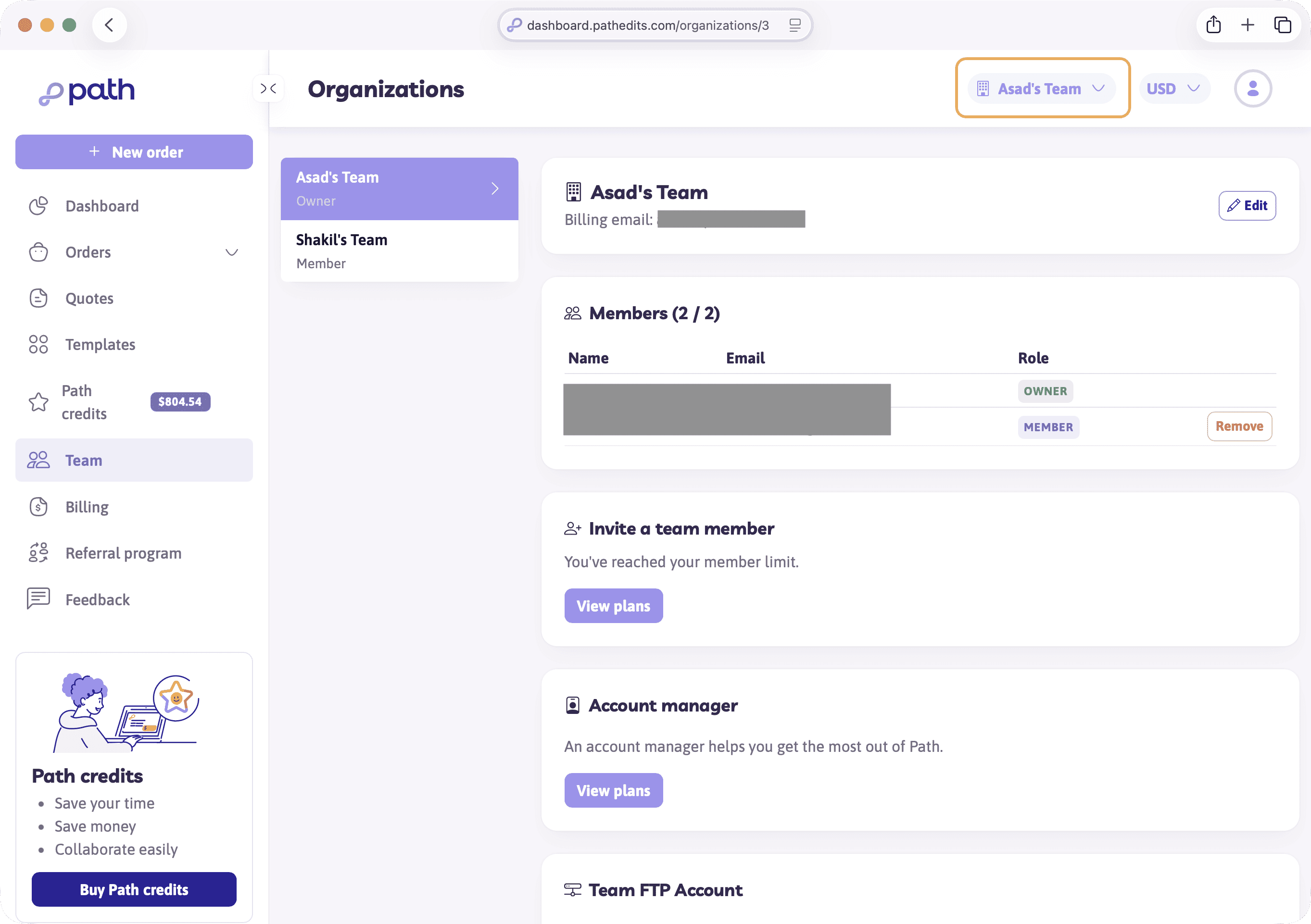
Team in the sidebar opens organisations and invites. On eligible plans (such as Pro), you can share Path credits and work across a small team.
- Invite people with the organisation invite flow
- Use the organisation switcher in the top bar to move between Personal and a shared org
- Larger Enterprise needs are handled with Path — ask support if you’re outgrowing plan seats
Solo sellers can skip Team until someone else needs access.
Billing and invoices
Billing covers money that isn’t a one-off credit purchase at checkout:
- Outstanding invoices — pay unpaid invoices or unpaid orders when shown
- History — past charges (common for pay-as-you-go accounts)
- Stripe customer portal links may appear when you manage payment methods
Your dashboard also surfaces outstanding invoices with a pay shortcut when relevant.
Try it now
Open My account and confirm your email and password options. If you invoice with Path, also open Billing.
Next
Finally: when instant pricing isn’t enough, and a custom quote may apply.