


Once you’ve started an order, Orders in the sidebar is where you track it.
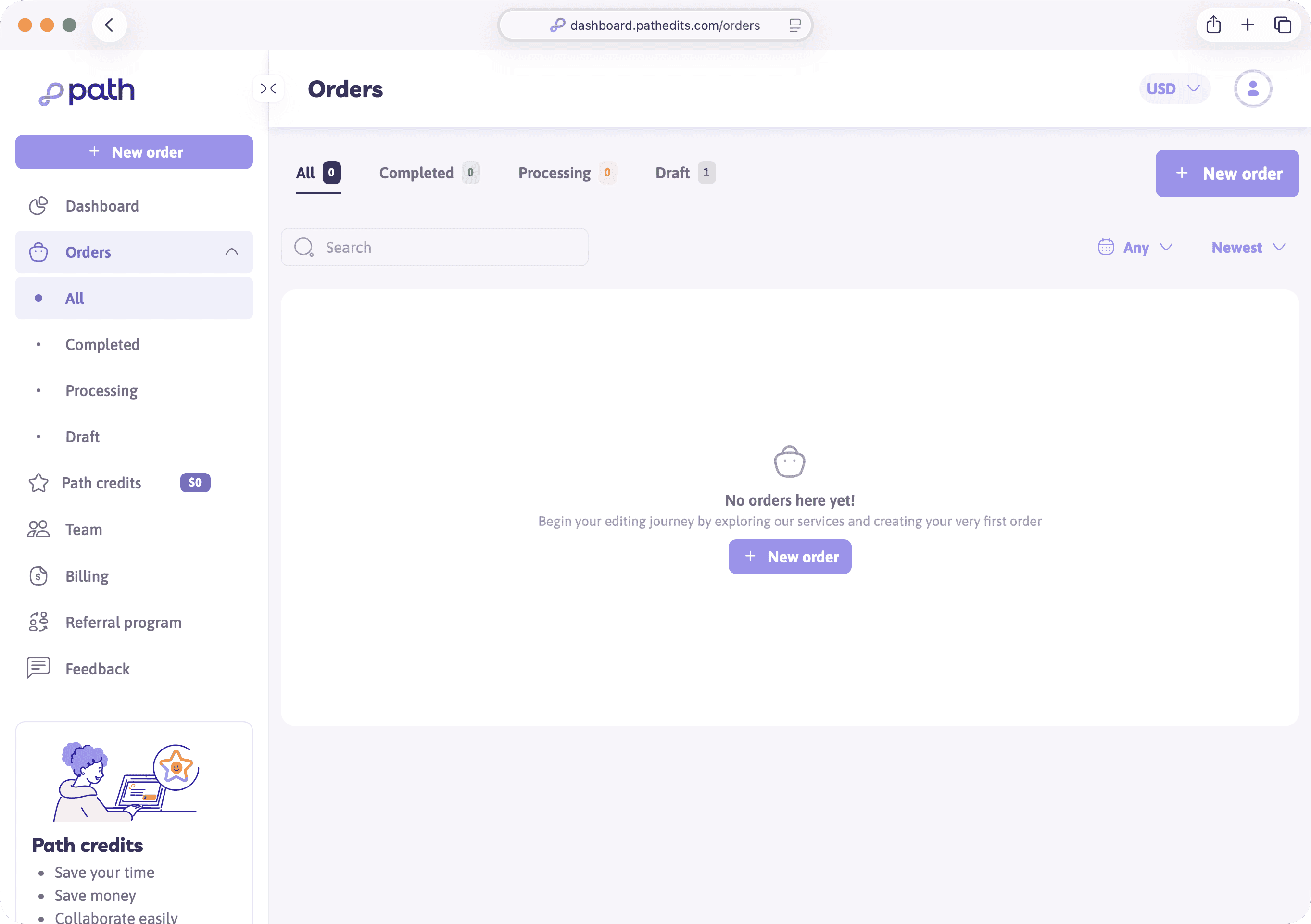
Order list filters
Use the Orders area to filter:
- Draft — unfinished instant quotes or carts you can continue
- Processing — paid work Path is editing
- Completed — finished jobs ready (or already downloaded)
- All — everything together
Open any row to see details, upload remaining files if needed, continue payment, or cancel when the status allows it.
Getting your files back
When an order completes, Path typically emails you a download link. From the order page you can also open download options.
If your account supports it, you may choose a delivery preference such as:
- Dropbox (often recommended for teams)
- FTP — useful when you want files delivered to a fixed destination
Personal accounts often rely on the email download link for the first few jobs — that’s enough to get started.
Samples, feedback, and revisions
Depending on the job, you may be asked for sample feedback, or you can request a revision if something needs adjusting. Those actions live on the order itself — follow the prompts on the order page rather than starting a brand-new quote for a small fix.
Try it now
Open Orders. If you have a draft from earlier, open it and note the continue or cancel options. If the list is empty, that’s fine — come back after your first paid order.
Next
Next you’ll save a template so repeat orders don’t require re-selecting every service.