


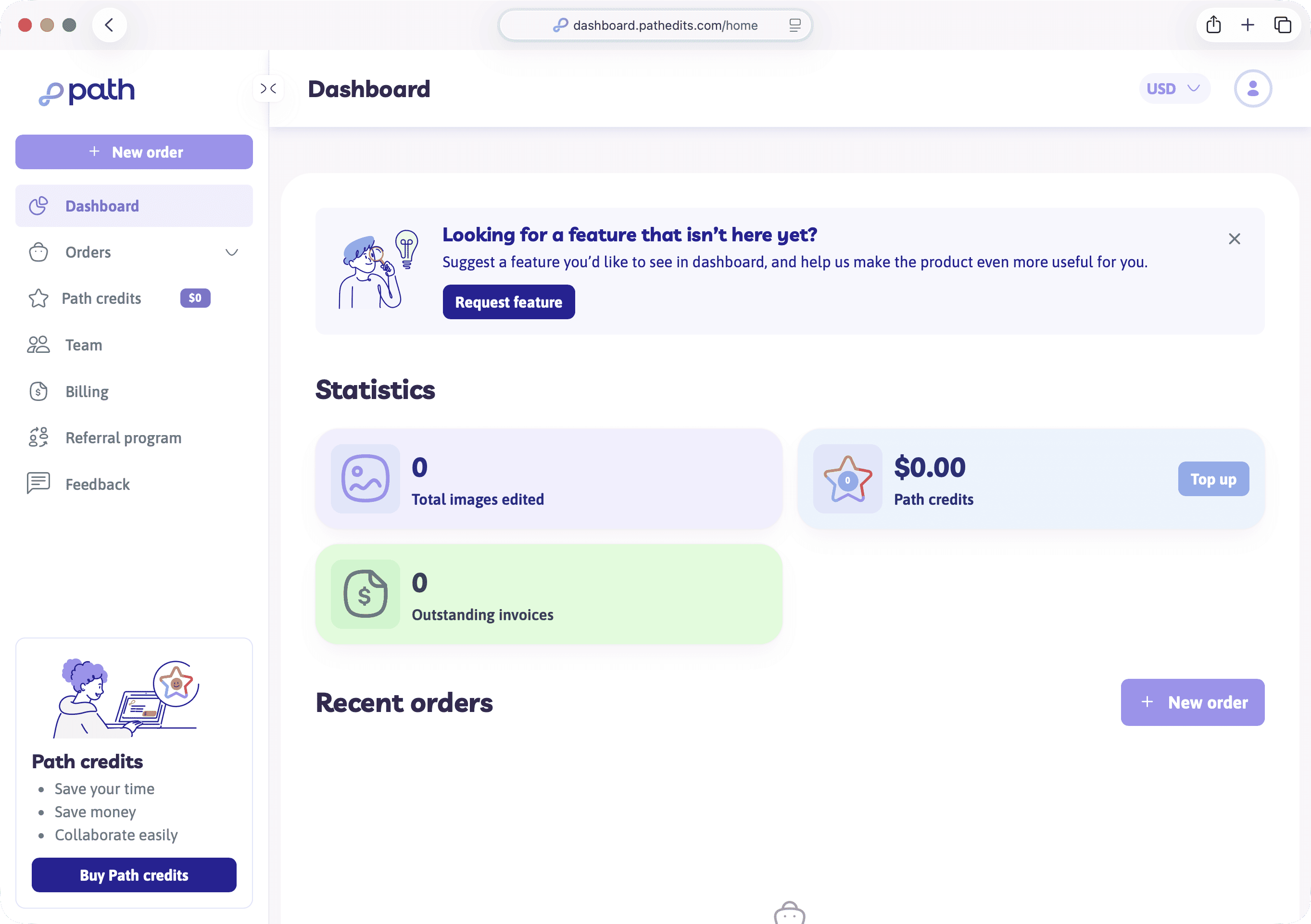
After you sign in, you land on your dashboard (/home). Think of it as your home base while Path edits your images.
What you’ll see on the dashboard
- Stats — how many images you’ve edited, your Path credit balance (with a Top up link), and any outstanding invoices
- Recent orders — drafts, processing, and completed work at a glance
- New order — the primary button when you’re ready to start
If you haven’t ordered yet, you’ll see an empty state inviting you to begin your editing journey. That’s normal — use New order when you’re ready.
Sidebar navigation
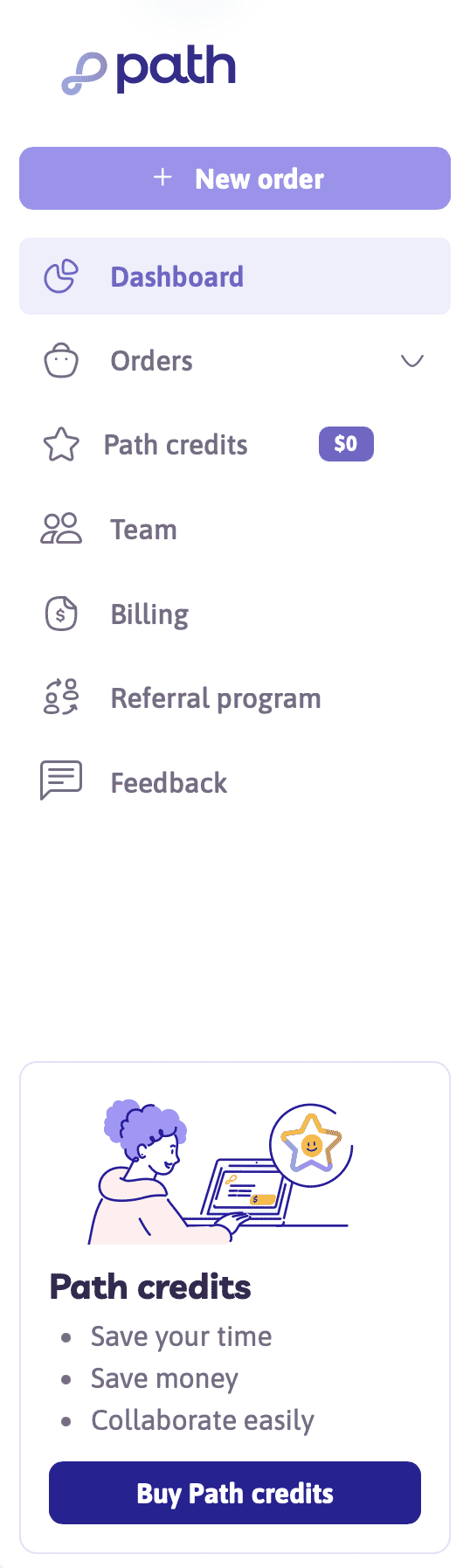
The left sidebar is how you move around day to day:
- New order — Start an instant quote (or pick a template once you have one)
- Dashboard — Back to
/home - Orders — All jobs — filter by Completed, Processing, or Draft
- Quotes — Appears if your account has quotes to review
- Templates — Saved setups for repeat orders (appears once you have any)
- Path credits — Buy or manage prepaid balance
- Team — Shared organisation and invites
- Billing — Invoices and payment history
- Referral program — Optional — earn credits by referring others
Top bar essentials
- Organisation switcher — Personal account vs a team organisation (if you belong to one)
- Currency — view prices in your preferred currency
- Account menu — My account, Help, and Log out
Try it now
Go to your dashboard. Open the account menu and note where Help and My account live. You don’t need to change anything yet.
Next
Next you’ll place a first order with the instant quote flow — from services to payment.