


Path credits are prepaid balance you use to pay for image-editing orders. Many customers keep a balance topped up so checkout is one click and they unlock better rates on larger bundles.
For a fuller FAQ, see What are Path credits, and how do they work?.
Where to manage credits
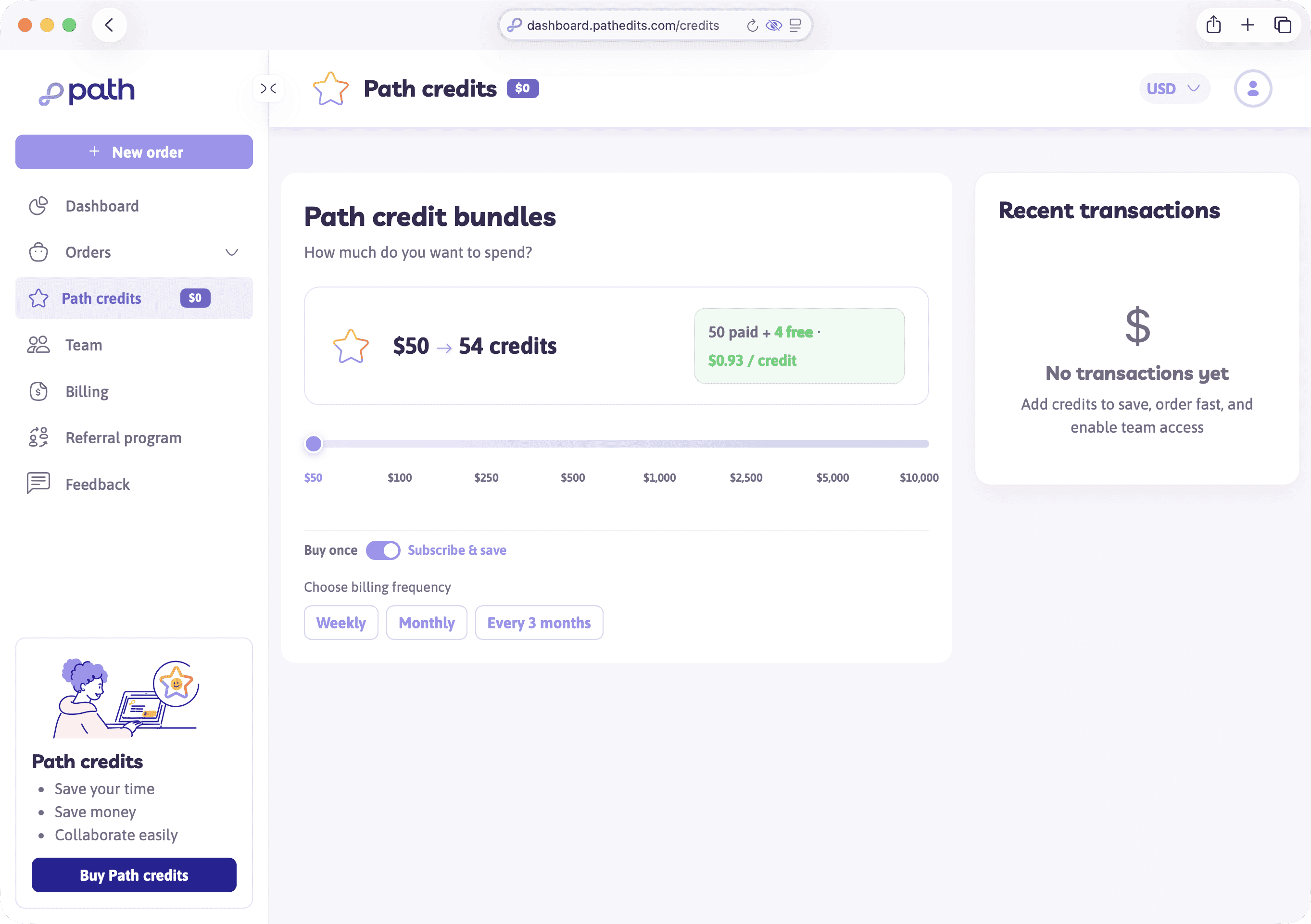
Open Path credits in the sidebar (/credits). There you’ll typically find:
- Your current balance
- Bundle options (buy once or Subscribe & save)
- Plan comparisons (for example Standard, Pro, Enterprise)
- Transaction history
Your dashboard also shows the balance with a Top up shortcut.
Paying for an order
At checkout you can usually:
- Use Path credits — deduct from your balance (often the fastest path)
- Pay by card — charge a payment method for that order
- Monthly billing — available when your account is set up for invoicing
Credits don’t expire, and on a team plan they can be shared with people you invite.
Minimum order value
Small orders may show a minimum order fee so the total meets Path’s floor. Ways customers often avoid or reduce that friction:
- Add more images or services
- Adjust turnaround
- Pay with Path credits (or use monthly billing when eligible)
Exact messaging appears on the pricing and payment steps when it applies.
Try it now
Visit Path credits and skim the plan FAQs on the page — even if you’re not buying yet, it clarifies Standard vs Pro.
Next
Next you’ll track orders from draft to completed and get your files back.