


Most new customers start with an instant quote: you choose services, upload images, see a price on the spot, then pay to turn that quote into an order.
Start with New order
From the dashboard or sidebar, click New order. If you don’t have templates yet, you’ll go straight into instant pricing.
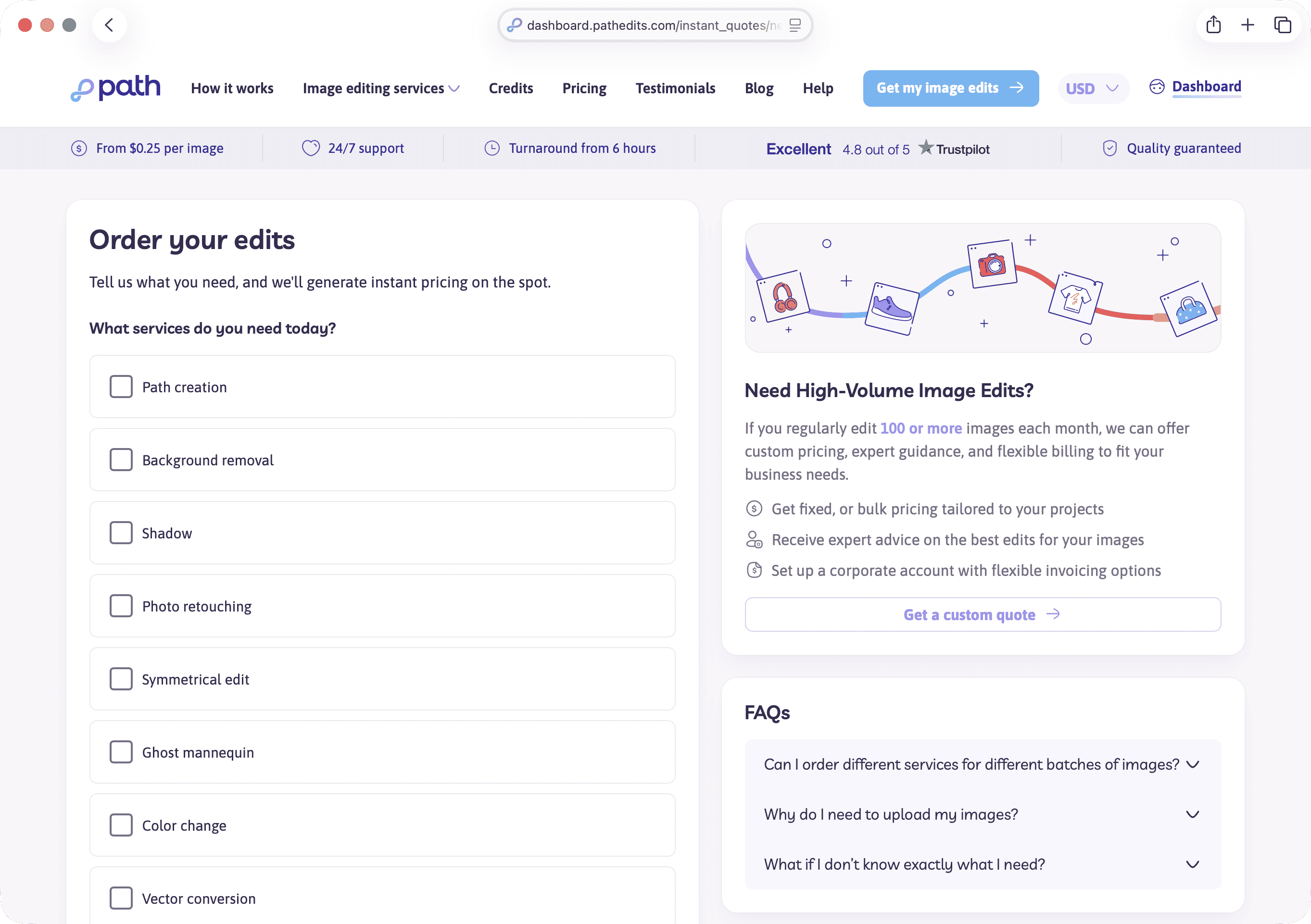
The instant quote steps
Work through the wizard in order:
- Services — pick the edits you need (background removal, retouching, and so on)
- Upload — add the images to edit; attach supporting files if you have a brand guide, sample, or reference
- Pricing — review the calculated price for your selection and image count
- Preferences — file format and delivery preferences for the finished work
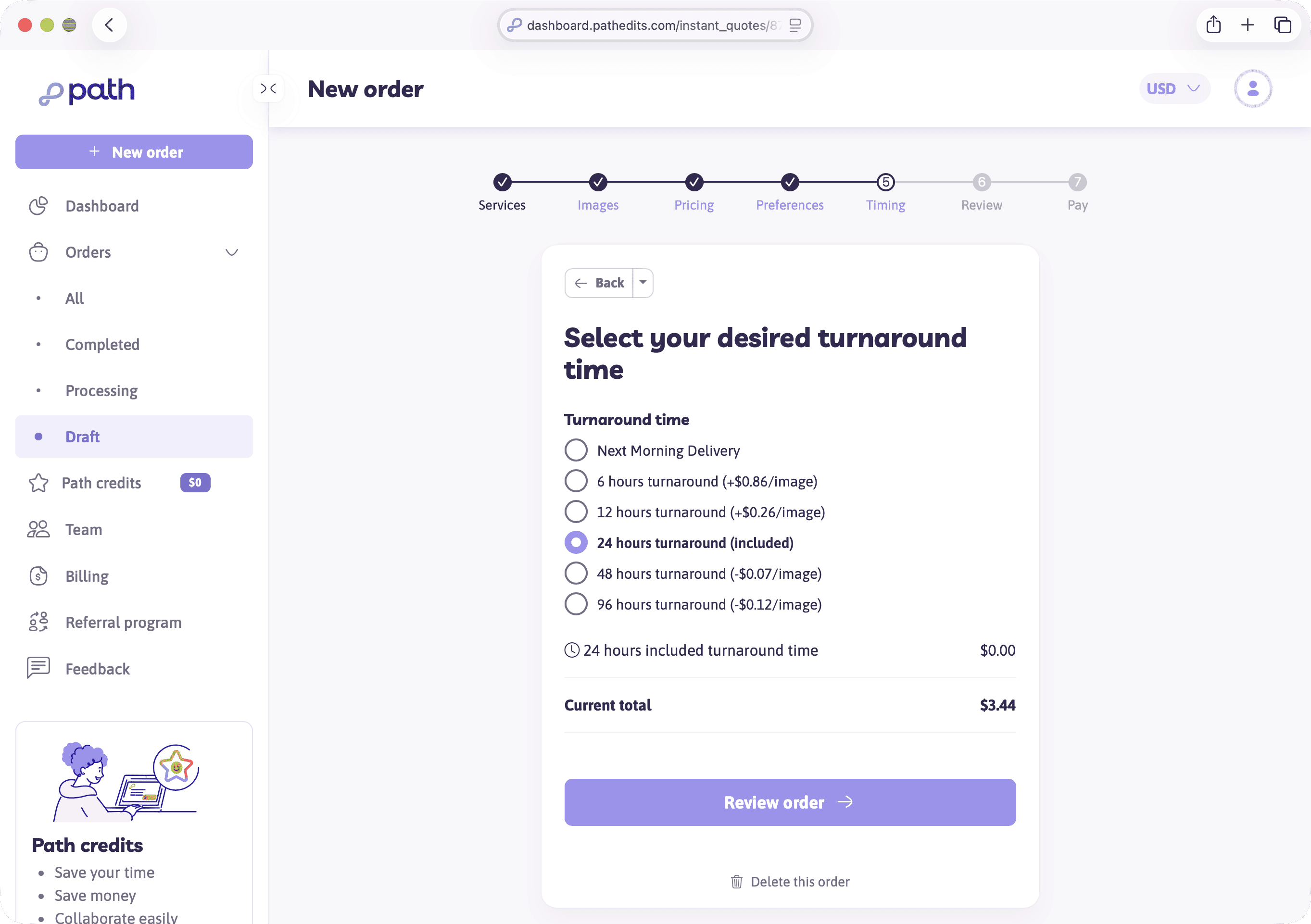
- Timing — choose turnaround (how quickly you need images back)
- Review — confirm everything before payment
- Pay — Path credits, card, or monthly billing when your account allows it
If you leave mid-way, unfinished work usually appears under Orders → Draft so you can continue later.
Turnaround is a price lever
Faster delivery often costs more; slower options can discount the total. Pick the speed that matches your deadline — the success page will reflect the turnaround you chose.
After you pay
You’ll land on an order success screen with an expected return time. We’ll also email you when your edited images are ready to download.
Try it now
When you’re ready for a real job, start a new instant quote. For practice, you can begin the flow and leave a draft without paying.
Next
Next you’ll learn Path credits, cards, and when a minimum-order fee might apply.