


Checkout charges the image count on the quote. The files you actually upload can be fewer or more than that count. Fix it before the extra images are edited.
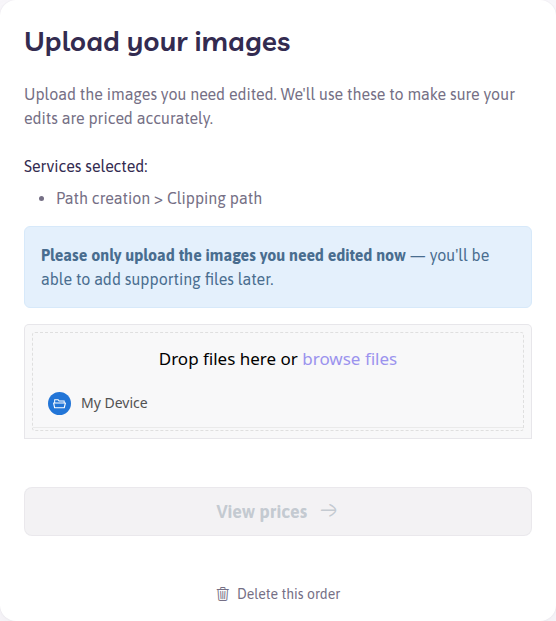
The upload step asks you to send only the images that should be edited now.
You paid for too many, and work has not started
If the order is still under review, cancel it and place it again with the right count. See How do I cancel my order?.
If you only need some of the count removed, contact support with the order number, the count you meant to buy, and how many files you uploaded. Support can credit or refund the images that will not be edited.
- Card or PayPal — refunds can take about 5–10 business days
- Path credits — the unused amount returns to your balance when the adjustment is issued
Checkout quantity is higher than the files you uploaded
Reply on the order confirmation, or contact support, with the order number and the count you meant. Path edits the files that were uploaded. The unused count can be refunded to the card or PayPal payment, or returned as Path credits. Card and PayPal refunds can take about 5–10 business days.
You uploaded fewer files than you ordered
Tell support how many files belong on the order. If the rest were never uploaded, they should not be edited. Ask for a credit or refund of the difference, or ask for an updated invoice before you pay a monthly bill.
You uploaded more files than you ordered
Path will ask you to confirm the extra count. Reply with a yes only for the files you want edited. Those extras are invoiced. On monthly billing, the charge is included on the next monthly invoice.
If the extras were a duplicate upload, say so and name the filenames to ignore.
Add the missing files to this order
See What if my images will not upload? and How do I change an order after checkout?.