


Before you pay, go back to Services, Images, Pricing, or Timing and change the quote. How do I add services to an existing image batch? applies on the Pricing step only.
After payment, the order is in production. Changes go through support so the price and deadline stay correct.
Add, remove, or replace images
- Open Orders and the order
- Use the upload area if it is still open
- If it is not, contact support with the order number
Say whether the new files are extra images or replacements. Replacements should use the same filenames when you can. Extras are priced and invoiced. See I ordered the wrong number of images and What if my images will not upload?.
Remove or add a service
Reply to the order email, or contact support, and name the service to drop or add. Examples: remove clipping and keep retouching, or add a shadow after clipping is already done.
Support confirms the new total before work continues. Approving an extra service is covered in Why did the price change after I ordered?.
A quote was submitted instead of an order
Custom quotes wait for your approval. Open Quotes in the sidebar, or the quote email, and pay it if the brief is right. If the quote is the wrong job, contact support with the quote number and ask them to close it. Then place the order you meant to place.
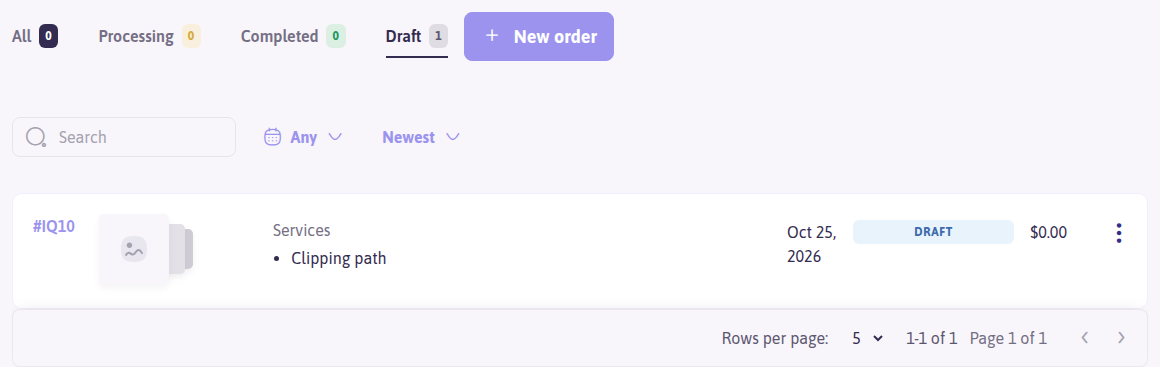
An unfinished instant quote stays under Orders → Draft until you pay or discard it.
Faster delivery
See How do I upgrade my order to a faster turnaround time?. The fastest hour-based option on a standard order is 6 hours.