


Upload images on the Images step of a new order, or from the order itself while it still accepts files. The uploader takes one image file at a time. It does not take a folder, a link, or a .zip.
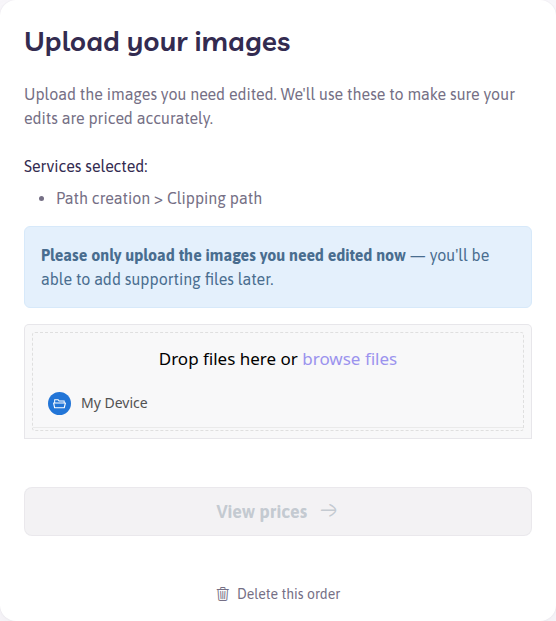
Files the uploader accepts
JPG, JPEG, TIF, TIFF, PSD, PNG, HEIC, CR2, CR3, NEF, ARW, DNG, WEBP, SVG, EPS, and PDF.
JPG is the fastest to send and receive. A file named only .raw is rejected. Export that camera file as JPEG, TIFF, or PSD, or send the camera’s own extension if it is CR2, CR3, NEF, ARW, or DNG.
See Which image file formats can I use to send my images?.
The transfer stopped
- Open the order again and check how many files arrived
- Upload only the ones that are missing
- If the same files fail again, export a JPG or TIFF copy and upload that
Unzip archives on your computer first. If you need images kept in groups, place a separate order per group, or say the grouping in Additional comments and in the filenames.
The order will not take more files
Paid orders sometimes close the uploader once production starts. Contact support with the order number and either the missing files or a Dropbox, OneDrive, or WeTransfer link. Say whether those files replace something already on the order.
Do not start a second order for the same images unless support asks you to.